All Features / Design
Smart Filter
Adds a filter function to Portfolios, Blogs, Events, Galleries, Video Collections, Summary Blocks or Auto Layout sections to quickly sort and display specific items.
Websites with Spark Plugin can add this
and 100+ customizations.
Live demo
-

Figma
-

Spark
-

Angular
-

Squarespace
-

Stack Overflow
-

Github
-

Notion
-

Android
-

Discord
-

Dribbble
-

Spotify
-

Behance
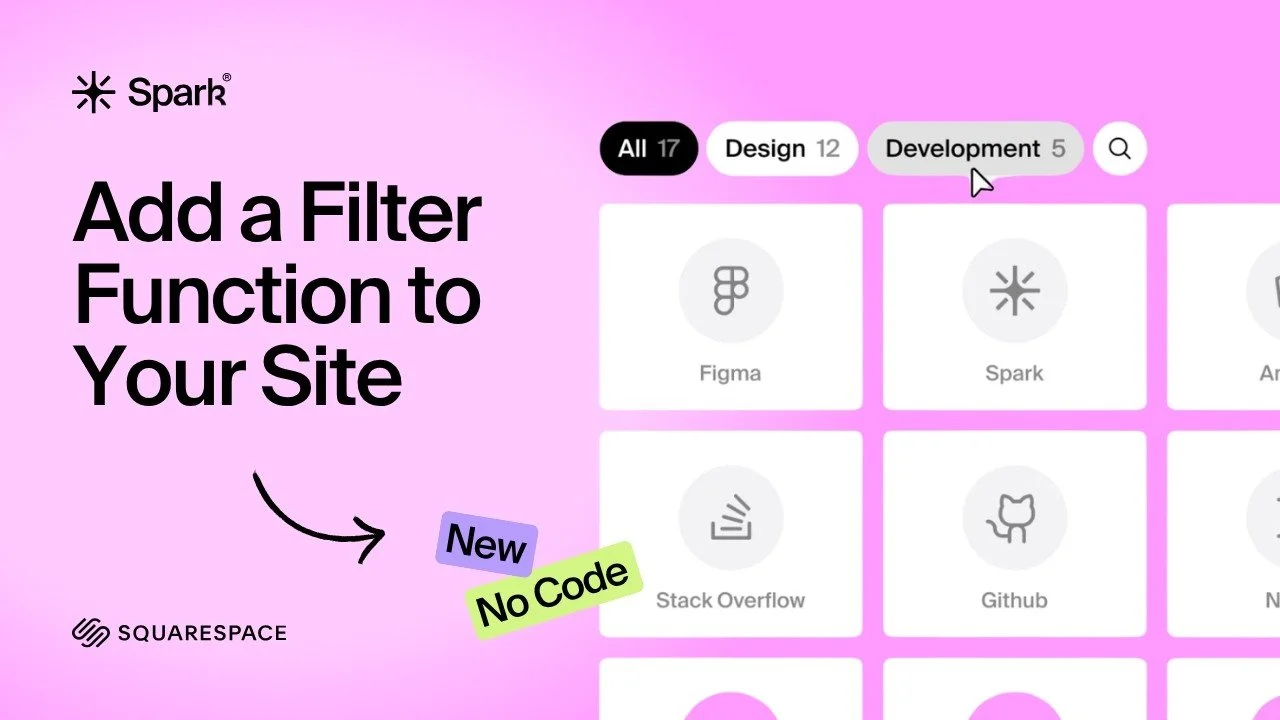
Easily add a smart filter to your Squarespace site.
Watch the video to see how it works.
Flexible setup,
easy to use.
-

Blog articles
Add categories to each blog article.
-

Events
Add categories to each event.
-

Portfolio
Add categories to each item’s URL. For example, change /portfolio/item/ to /portfolio/item/category-1/category-2
-

Auto Layout
Add categories to each button’s text field, separated by commas (for example: “one, two”). Also, enable Show Button in the Auto Layout settings.
-

Gallery
Add hashtags to each image description, separated by spaces (for example: #one #two). Also, make sure Captions are enabled in the section settings.
-

Summary Blocks
Add the categories to each item’s URL by adding /sp-cat/ at the end, followed by the category names. For example, change /shop/p/my-product/ to /shop/p/my-product/sp-cat/category-1/category-2. Please note only the ‘List’ option is supported.
-

Video Collections
Add categories to each video in the video collections page. Extra setup: Select “Category” as either the Primary Meta Content or Secondary Meta Content under Edit Section → Format → Categories Type.
More features