
Squarespace Email Hosting (2026): Features, Pricing & Setup
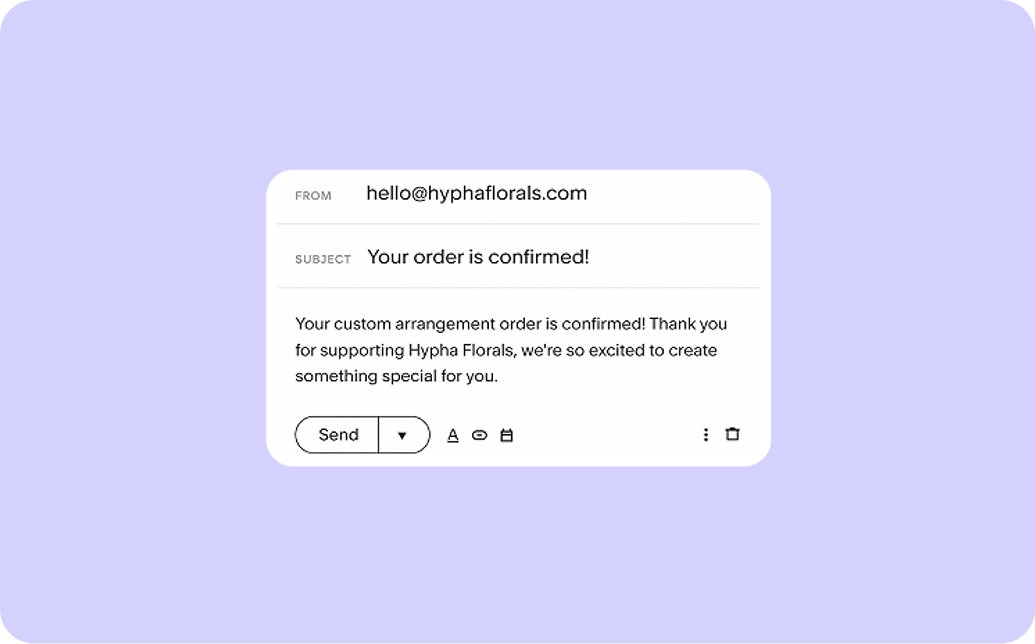
When you run a business, good email hosting is a must-have.
It allows you to store and manage emails under your domain name, showing customers that you’re reliable and trustworthy.
(And it’s far more professional than using a Hotmail or Outlook address!)
Squarespace offers its own email hosting, powered by Google Workspace. This means you can easily set up your own secure custom business email and take advantage of other cool features too.
Here’s how to get started with Squarespace’s email hosting functionality.
Squarespace email hosting: Everything you need to know
What features do you get with Squarespace email hosting?
The key feature of Squarespace email hosting is that you can set up custom email addresses for your website. You access your emails through Gmail, making it easy to check your messages on your desktop or mobile device.
You also get access to Google Workspace’s collection of tools, including Google Drive, Google Calendar, and Google Meet. Storage is significantly increased too—you get 15GB of storage with a free Google account, but at least 30GB with Squarespace email hosting.

AI is a prominent feature, and you get access to Gemini’s AI assistant, which you can use to summarize long emails, write emails in your tone of voice, and quickly find important documents.
If you have multiple email addresses for multiple users, you can also manage them all from one place. So you can make sure they’re all using the same email signature and reset their passwords if needed.
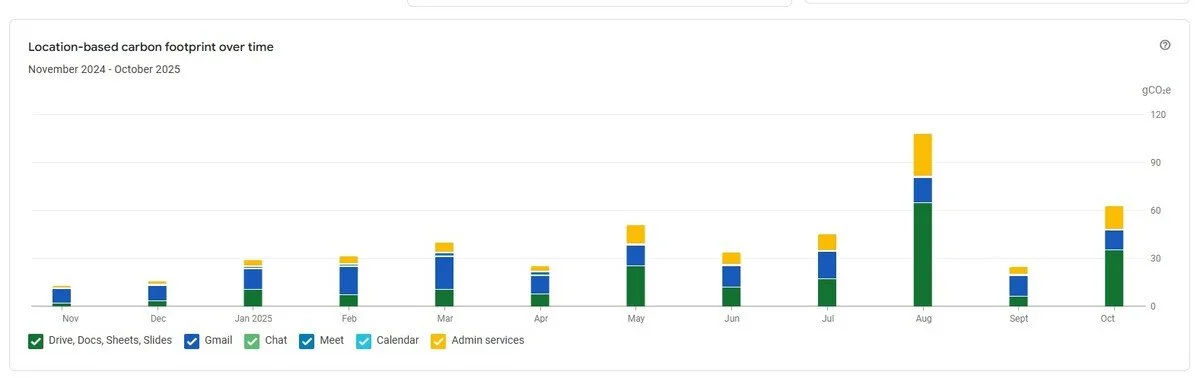
And finally… One cool feature we love is that Google Workspace tells you your carbon footprint and separates it by scope. Ideal if you have to report your carbon emissions!
How much does Squarespace email hosting cost?
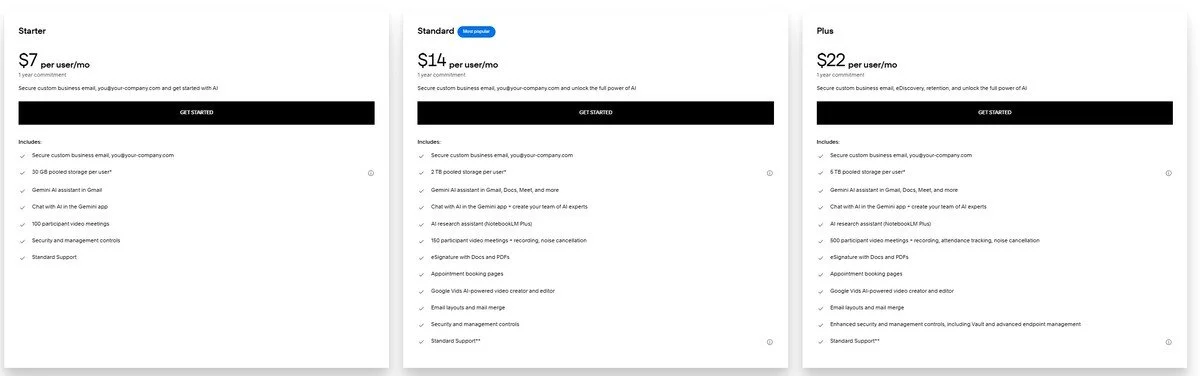
There are three Squarespace email hosting pricing tiers:
Starter: $7 per user per month
Standard: $14 per user per month
Plus: $22 per user per month
You have to commit to a whole year, and payment is made through Squarespace.
If you just want email hosting, the Starter plan is probably sufficient for your needs.
However, the Standard and Plus plans have some useful features like appointment booking pages and eSign functionality, which may mean you don’t have to spend money on additional tools.
Here’s a handy hint if you’re looking to save money and are already using Squarespace. You can claim a free year of Google Workspace (on the Starter plan) if you meet eligibility requirements.
How do I get started with Squarespace email hosting?
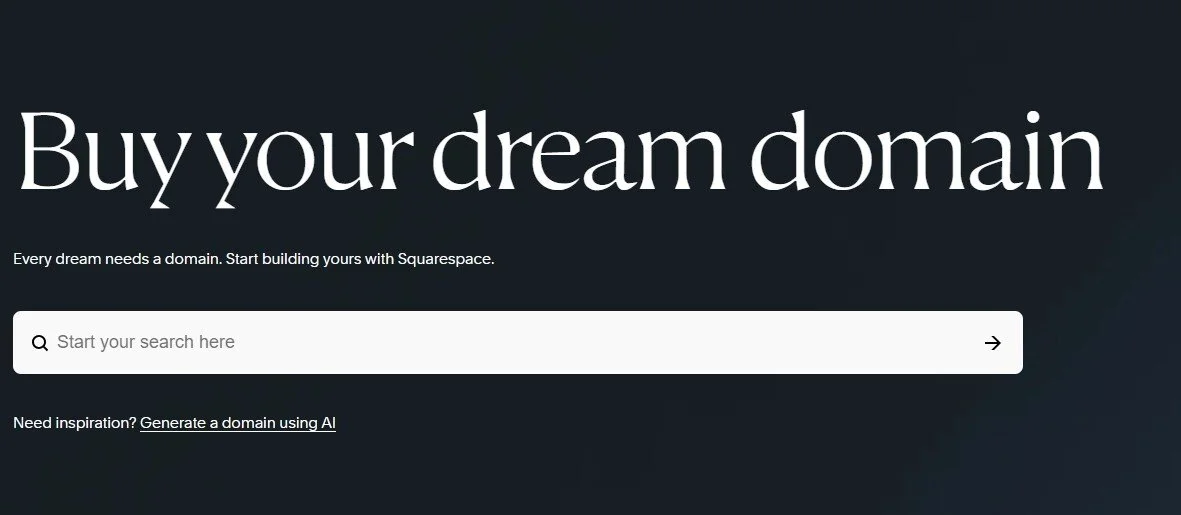
Before you sign up for Squarespace email hosting, you need a custom domain. You can buy one through Squarespace or connect an existing one from another provider.
You also need to verify domain ownership. If you buy your domain through Squarespace, Squarespace will do this for you automatically, or you can manually add verification records.
Your homepage must be enabled and visible to the public, and you must be a site owner or admin.
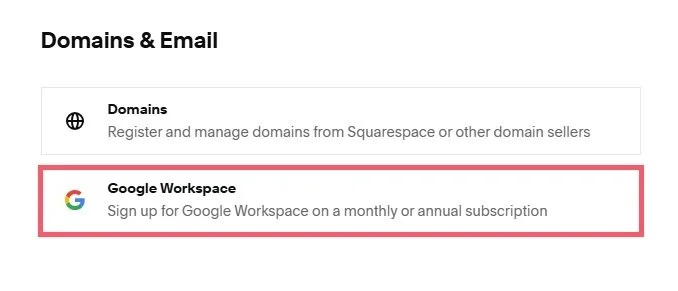
Once you’ve done this, you can sign up for email hosting. You can do this through the Squarespace email hosting page, or through your website by clicking Settings > Domains & Email > Google Workspace.
Follow the prompts, entering your contact details, payment details, and choosing the email address you want to use.
Google Workspace will then talk you through how to activate your email and update your MX records if needed. Squarespace typically adds these in for you, but there may be some circumstances where you have to add them yourself.
You can then set up forwarding and filtering rules. As Squarespace email hosting uses the Gmail layout, it’s super-easy to customize your email inbox!
I already have Google Workspace. Can I integrate it into my site?
Unfortunately you can’t.
If there’s a Google Workspace account already associated with your domain, Squarespace recommends getting in touch with Google to free up your domain.
When you’ve done this, you can then sign up for Google Workspace through Squarespace.
Do I have to use Squarespace email hosting?
No, you’re free to use the email hosting provider of your choice.
To do this, you will need to connect a third-party domain to your Squarespace site.
Squarespace email hosting is ideal as it’s easy to set up, and you get to take advantage of all the fantastic functionality that Google Workspace provides!