
What is Squarespace AI Website Builder? (2026 Walkthrough)
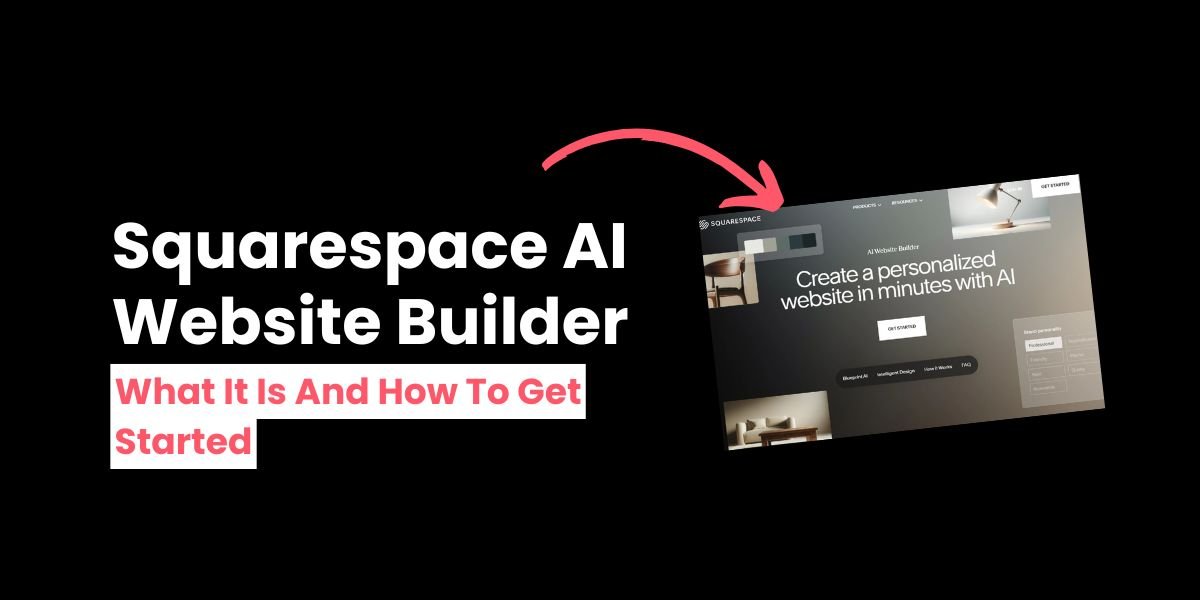
Squarespace offers a range of artificial intelligence (AI) tools to help you save time. For example, you can use Squarespace’s Brand Identity tool to help you create unique alt text and SEO descriptions for your website pages!
Another AI tool on offer is Squarespace AI Website Builder (also known as Squarespace Blueprint.)
If you want a bespoke website, Squarespace AI Website Builder will help you create a tailor-made template that’s unique to you, taking everything into consideration from the design to the color scheme!
Here’s what it’s about and how to get started.
What is Squarespace AI Website Builder?
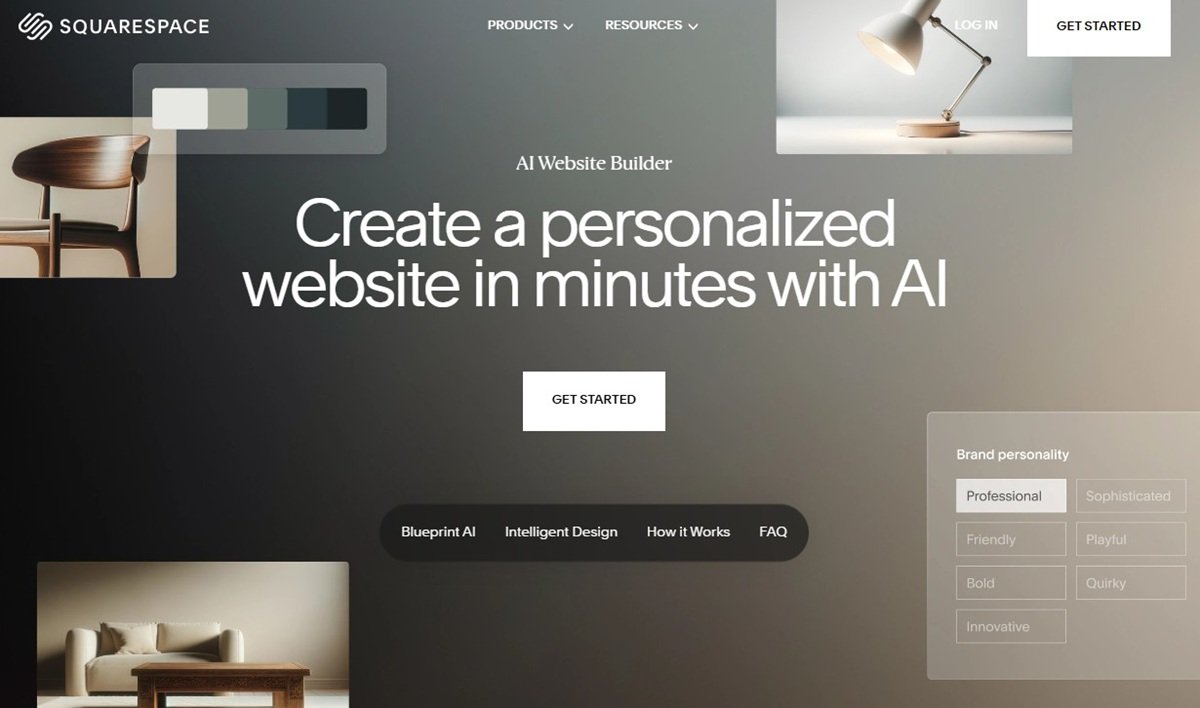
Squarespace AI Website Builder helps you build your own tailor-made template for your website using AI. It uses Squarespace’s own proprietary AI website builder, known as Blueprint AI, to do this.
Just answer a few questions and Squarespace AI Website Builder will create a complete site in line with your responses. You can see how your site will look as you go.
Once Squarespace AI Website Builder has done its work, you can tweak the template to your liking and publish your website for the whole world to see.
How to get started with Squarespace AI Website Builder
Step 1: Choose the AI Website Builder
There are two ways you can get started with the AI Website builder.
(Technically there are three, but we’ll cover the final way at the end of this article!)
The first is to go to the AI Website Builder page and click the GET STARTED button.
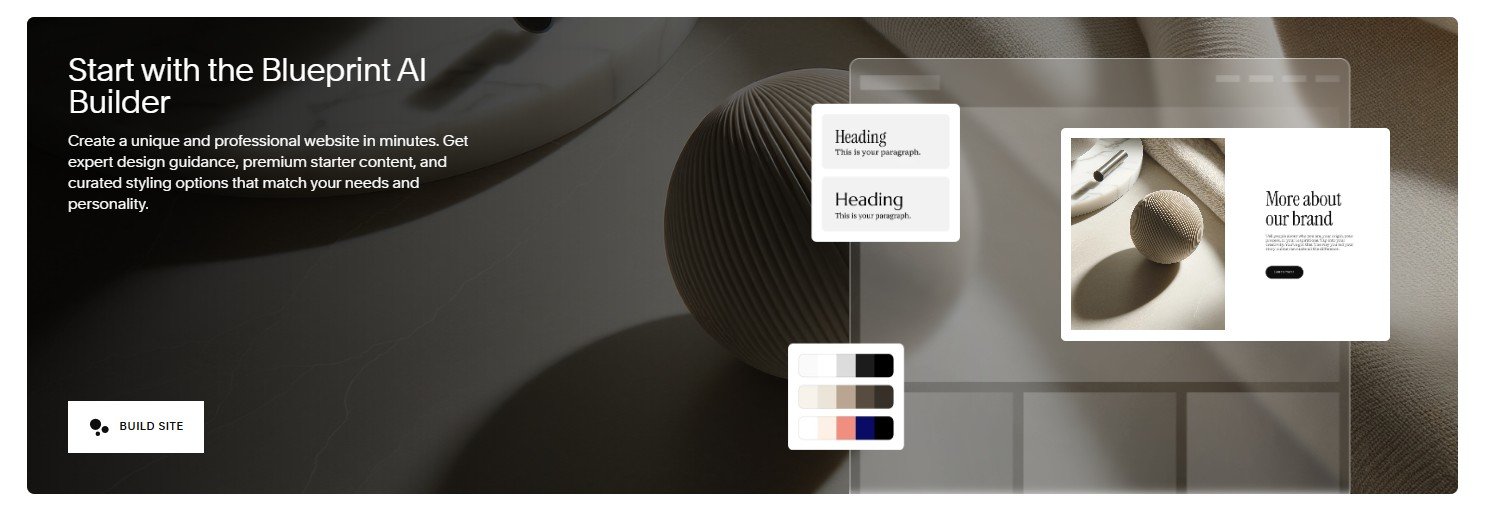
The second is to go to the Squarespace template page. Scroll down the page and under the Start with the Blueprint AI Builder box, click BUILD SITE.
Step 2: Answer the questions
Next, Squarespace AI Website Builder will ask you a number of questions to get a feel for how your site will look.
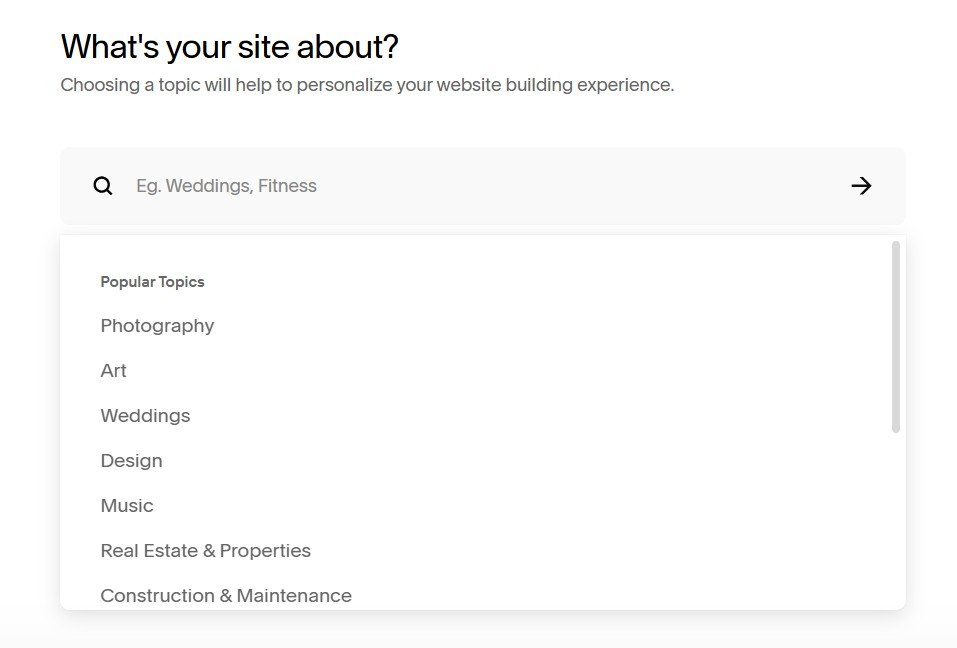
Start by telling AI Website Builder what your website is about and click NEXT.
Then, tell it what your goals are, for example, to sell products or services, or provide a portfolio for your work. You can choose as many goals as you need. Then click NEXT.
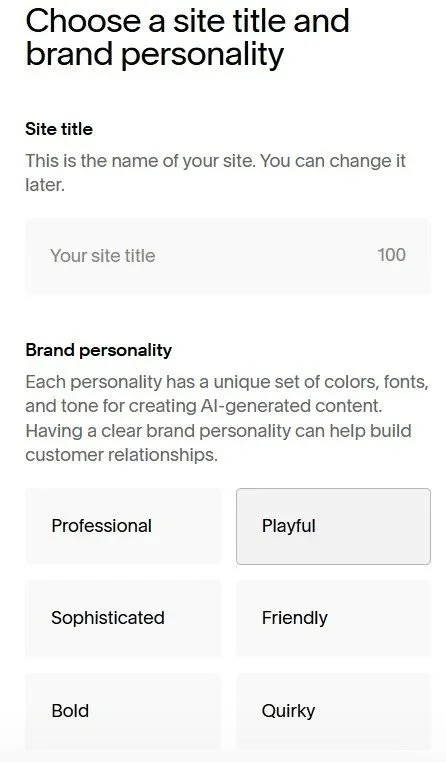
Next, provide the title of your website and what your brand personality is. Your brand personality will shape the colors and fonts used on your site. Click NEXT.
Next, you’ll add individual sections to your homepage, like a form, footer, or about us section.
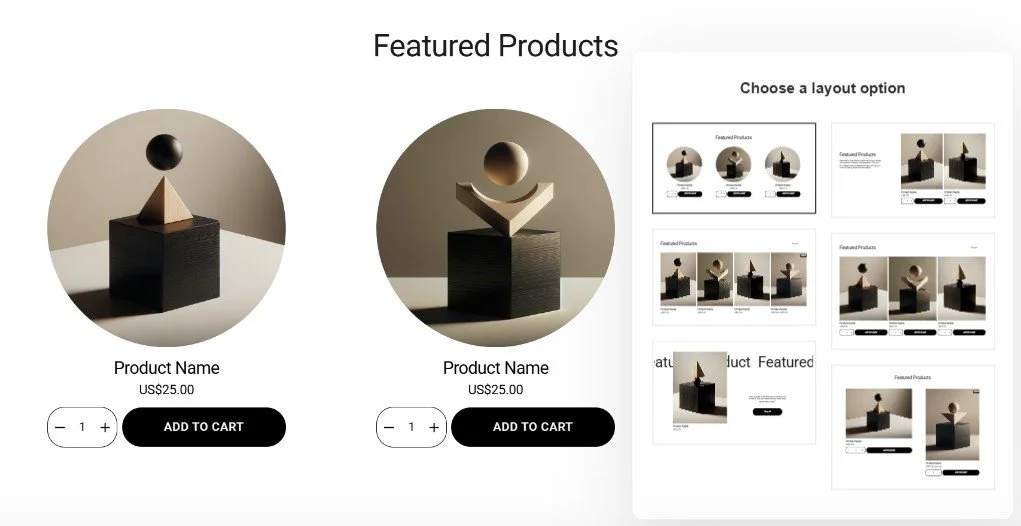
Click on the section you want to add, and toggle the Choose a layout option to change how it looks.
Click NEXT when you’re happy with your homepage. Remember that you can make additional changes on your website later.
Next, you’ll add additional pages to your site. Click the pages you want to add. You can always add or remove pages later. Click NEXT when you’re done.
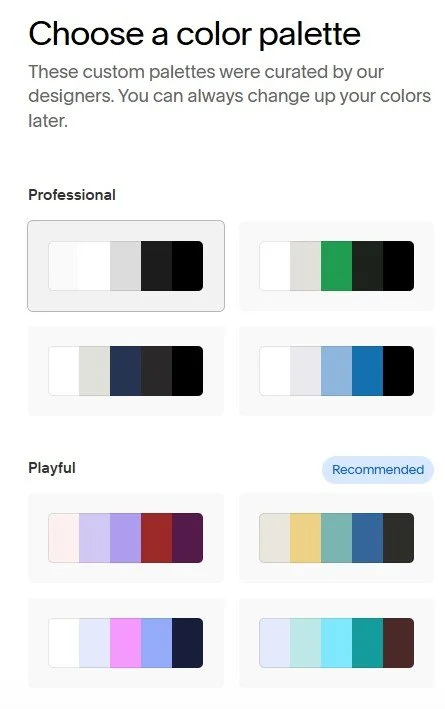
It’s then time to choose your color palette. Squarespace AI Website Builder will recommend a set of color schemes based on the branding options you chose earlier, but you’re free to choose any color palette you like.
Click NEXT when you’re happy.
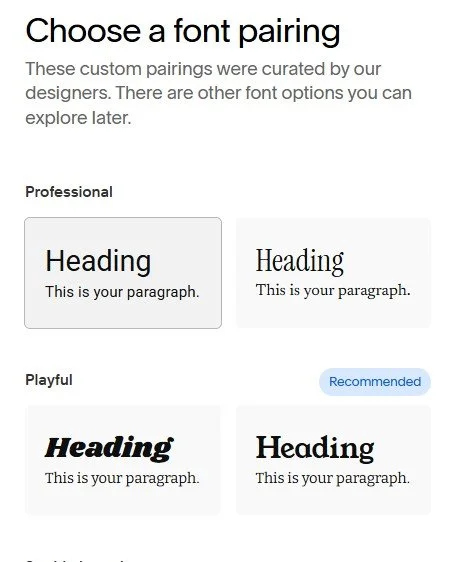
Finally, choose your font. Click on the different font pairings and Squarespace AI Website Builder will apply them to your site. Click FINISH when you’re done.
Squarespace AI Website Builder will generate a template based on your choices.
Step 3: Make your final tweaks
Your new website will now be ready to edit.
Make additional changes, for example, adding your own images, and publish your site when you’re ready to go!
Squarespace GPT - how to build a website in ChatGPT

Earlier on we mentioned that there was a third way you could create a Squarespace website using AI.
If you have a ChatGPT account, you can use Squarespace GPT to build your own bespoke website, directly in ChatGPT!
While this option isn’t ideal for everyone, it’s a fun way to build your website if you’re a fan of GPT tools.
Squarespace AI Website Builder: Frequently asked questions
What’s the difference between Squarespace AI Website Builder and Blueprint AI?
Squarespace AI Website Builder is the general tool you use to build your website using AI, while Blueprint AI is the specific technology.
However, you’ll often see both terms used interchangeably, and that’s okay!
Is Squarespace AI Website Builder free to use?
Yes, all you need is a Squarespace account to sign up for a free 14-day trial, no credit card needed.
However if you want your website to go live, you will need to sign up to a paid plan.
Will Squarespace AI Website Builder create copy for me?
It won’t create it directly, but you can use Squarespace’s AI features to write and refine your copy for you.

To create new text, create a new text block and click the three circles at the left-hand side of the bar. Enter your prompt, choose Paragraph, Pitch, or Blurb, and let Squarespace work its magic for you!
Find out more about the other AI tools on offer in Squarespace
Are the choices I make in Squarespace AI Website Builder set in stone?
No, when Squarespace AI Website Builder has made your site, you can go into it and make additional changes until you’re happy with the results.
Alternatively, if you’d rather start again, you can give Squarespace AI Website Builder another go!
Squarespace AI Website Builder vs pre-designed templates: which is best?
Squarespace already offers over 150 professionally designed templates, so you might be wondering why you should use Squarespace AI Website Builder.
Squarespace AI Website Builder is great if you have a clear idea of how you want your website to look. The template library is ideal if you’re not sure what you want your website to look like and need some inspiration!
Squarespace AI Website Builder is best if you want to control the color scheme, font, and elements on your new website with laser precision. The template library is perfect if you don’t have time to spend setting up your site and want a theme you can start using right away.
Ultimately, it depends on your needs, timescales, and the level of control you need.
Squarespace AI Website Builder is a brilliant way to build a site tailored to your esthetic and requirements.
It’s free to use and you’re under no obligation to use the site it suggests, so why not give it a try?